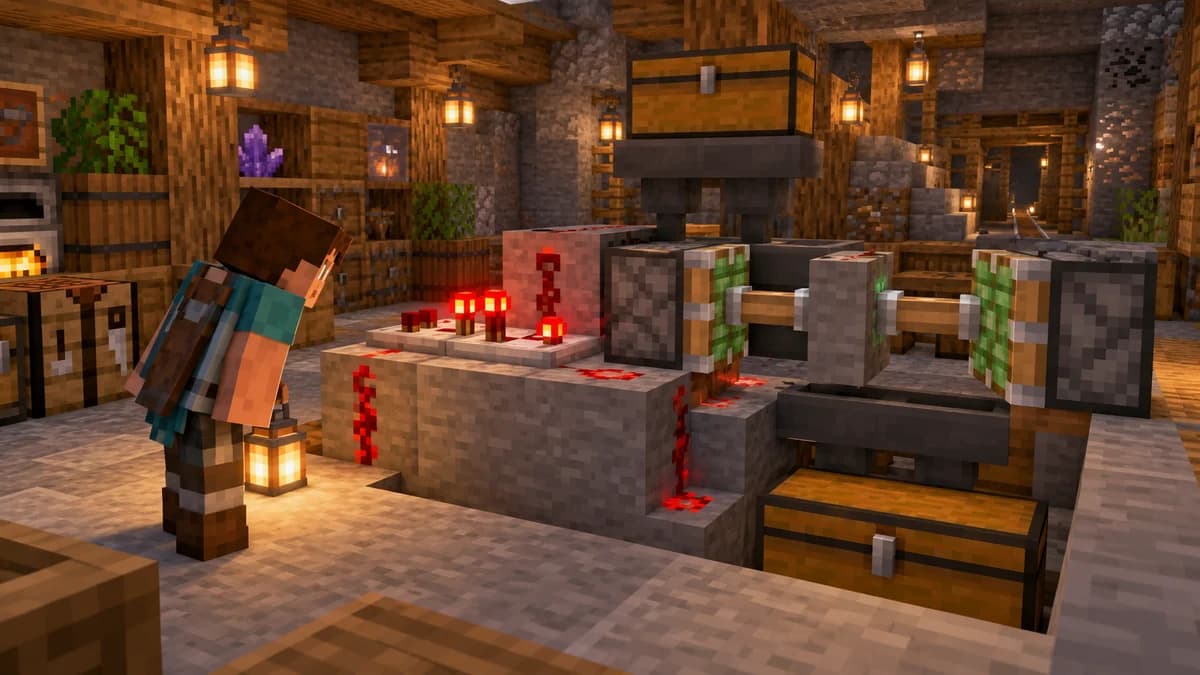
Test one impulse command block
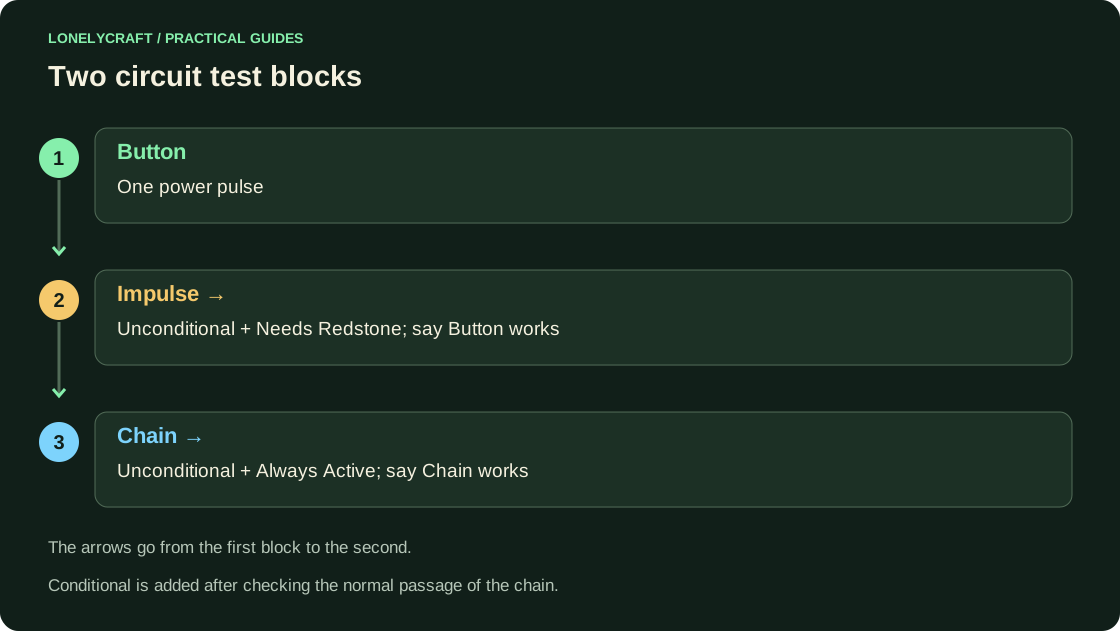
Create a separate flat creative world, enable command and get the block: /give @s command_block. Place it and open it. Select Impulse, Unconditional, Needs Redstone. Enter say Button works and attach the button. One click should give one message.
If there is silence, look at Previous Output in the interface. Check power, mode and command block resolution. Do not replace say with a complex item output until a simple test has been completed.
Add a chain block in the arrow’s direction
The arrow of the first block should point to the next one. For the second one, set Chain, Unconditional, Always Active, command say Chain works. When clicked, both messages should appear. Always Active on a chain block means it is ready to execute a chain step, not an independent timer.
Conditional executes a block only if the previous step in the chain succeeds. This is useful for checking a condition, but interferes with diagnostics if enabled accidentally. First confirm the direction and unconditional trigger, then add the conditional.
It is more convenient to store a long work sequence in a text file. command in function.
Select recipient explicitly
In chat, @s is the player entering the command; the command block does not have such a player. For a short test, you can write execute as @p at @s run say Selected player. But the one closest to the block is not necessarily the one who pressed the button: with two participants, check the distances and selection area.
For a reward, first create an objective, then select participants by tag and exclude those who have already received it. Don't set give @a diamond to always-on Repeat: it will do it multiple times instead of once per press.
The paid label example protects against re-issuance. Counter and one-time reward.
Keep repeating commands controllable
Repeat executes the command multiple times. For the first test, select Needs Redstone and power the lever: it can be turned off. Specify Tick Delay if checking is not needed every tick. Don't start with teleportation or summon: an erroneous constant command prevents you from approaching and stopping it.
To complete the project, label the circuit input, trigger condition, and switch. In a copy of world, check the operation after exiting and returning: command blocks depend on the processing of the corresponding world area.