Three candidates and different tasks
Download the ZIP from the author's page. Iris must already be running to install; the Shader Packs → Open Shader Pack Folder button opens the correct directory.
| Package | Why try | First setup |
|---|---|---|
| MakeUp — Ultra Fast | You can separately disable shadows, volumetric clouds, blur | Low preset; then check the shadows |
| Miniature | Subtle picture with shadows and reflections | Start with default settings and compare water |
| Complementary Reimagined | Preserve the recognizable appearance of blocks in more expressive light | Low profile instead of high |
If the button you need doesn't exist yet, set up the bootloader first. Installing Iris.
Direct downloads and compatibility
Open the download page for MakeUp, Miniature or Complementary. Check the supported game version and loader first. Choose Complementary Reimagined for a look closer to vanilla Minecraft; Unbound changes the style more substantially. Put the ZIP in the running profile’s shaderpacks folder and select it under Shader Packs.
Save the first pack’s settings before switching: a “low” preset does not enable the same effects in every shader. If the screen goes black, disable the pack without deleting your world or modpack. Then check compatibility between Iris, Sodium and the shader file; the troubleshooting guide below explains the order.
Return the working image and look for the cause in the startup log. What to check if the screen is black.
Five minutes for an honest comparison
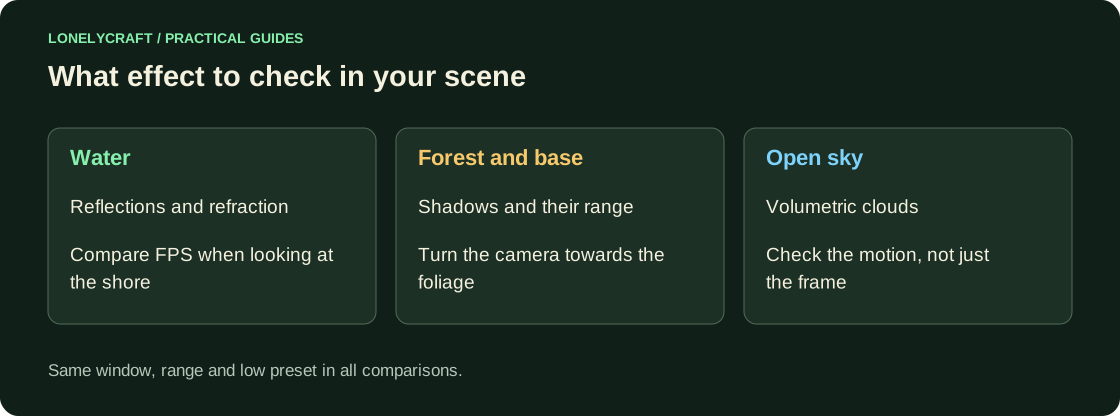
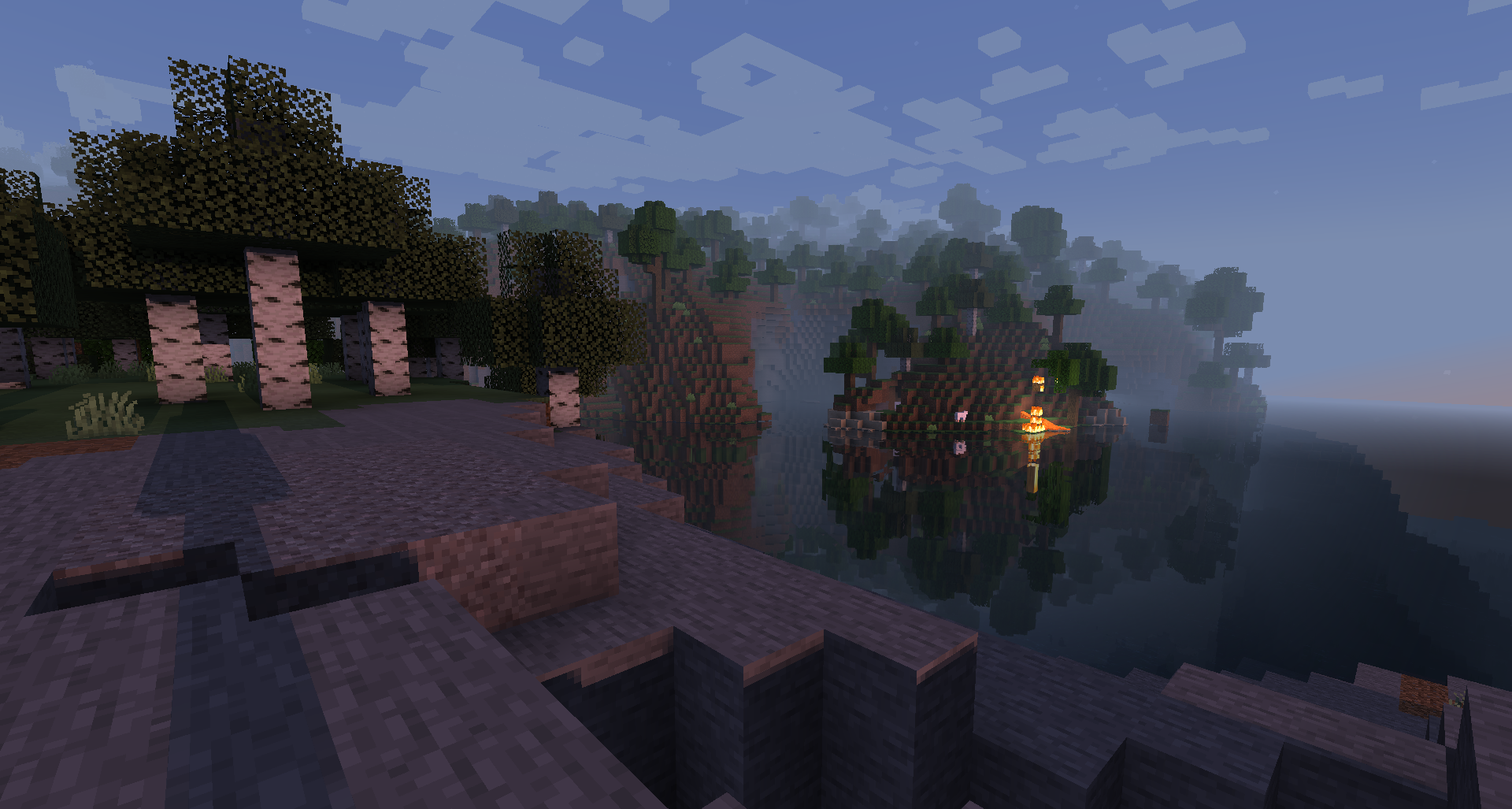
In the test world, stand near the water so that there are trees and your base in the frame. Keep the range, window, weather and viewpoint the same. Take turns recording the FPS without the package, with the first package and with the second after loading. Then take one route: a stationary camera doesn't pick up all the delays.
First reduce the window resolution, then the quality and distance of shadows, reflections and volumetric clouds, if the package offers them. Disable Depth of Field and Motion Blur for normal gaming. Change one parameter and return to the same frame. Remaining low FPS without shader requires other diagnostics.
Take a second measurement ten minutes later: heating the laptop and loading new chunks can ruin the first good result. Leave a profile in which it is convenient to move and read dark areas, and not just look at the sunset.
Test baseline performance before further package selection. Settings for a weak computer.