Download the file for your complete release
On Faithful official page select Java and the full version of your client. Bedrock files are available separately there: the .mcpack extension does not become a Java set after renaming.
A regular resource pack changes the client's resources. For non-standard models or related textures, the author may require an additional mod; Don't assume this effect is built into any ZIP. Before installing, make a note of the original file name so you can compare that particular release.
Open a folder from an active game
In Java: “Settings” → “Resource Sets” → “Folder with Sets”. Transfer the downloaded ZIP there without unpacking, return to the list, move the set to the active column and confirm the change. Wait until the resources are reloaded.
This path is important for several installations: a profile can have its own game directory. For a package, the pack.mcmeta and assets folders should be located directly inside its root, and not under an additional identical directory. shader is installed in a different location - it does not replace the resource pack.
Compare one scene and one order
Place a row: stone, cobblestone, oak boards, oak log, glass, earth, sand, crafting table. Nearby is a chest; sword in hand. Take a before and after view from one position, then open the chest interface.
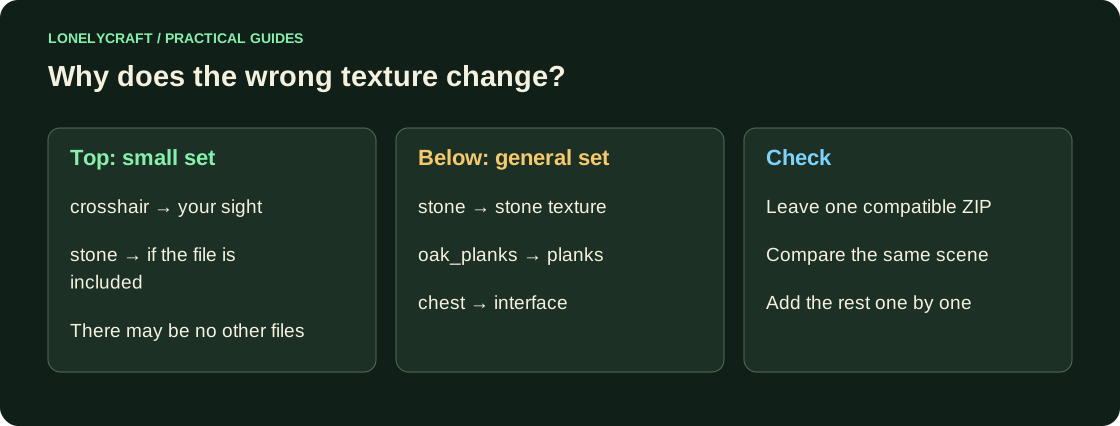
If two packages are active, the upper one overrides the matching resources of the lower one. For diagnostics, leave only Faithful. Then return the rest one by one: a small scope package may contain other files, even if its name does not promise it.
Troubleshoot incomplete or incorrect changes
Nothing has changed - check the active column, confirmation and profile folder. Not all blocks have changed - compare the list of resources for this release. Black and Purple Texture - Find the resource error in logs/latest.log for this particular installation.
Do not manually change the format number to make the warning disappear: metadata does not convert files. Return a compatible author's edition. If the server offers a required package, first check its address and loading message; the local set does not override the server requirement.
Friends can see the façade with a different set. Compare selected materials with regular textures.
To find the cause, temporarily turn off the shader and leave one resource pack. Separate the shader issue.